

Appearance
Manual Update Guide
Follow these steps to manually update Mentor LMS on your server:
- Log in to your app server where Mentor LMS is deployed.
- Upload the latest script ZIP file to the same directory.
- Extract/unzip the ZIP and allow it to replace the existing source code files with the latest version.
- Open your website's Maintenance page from the admin panel.
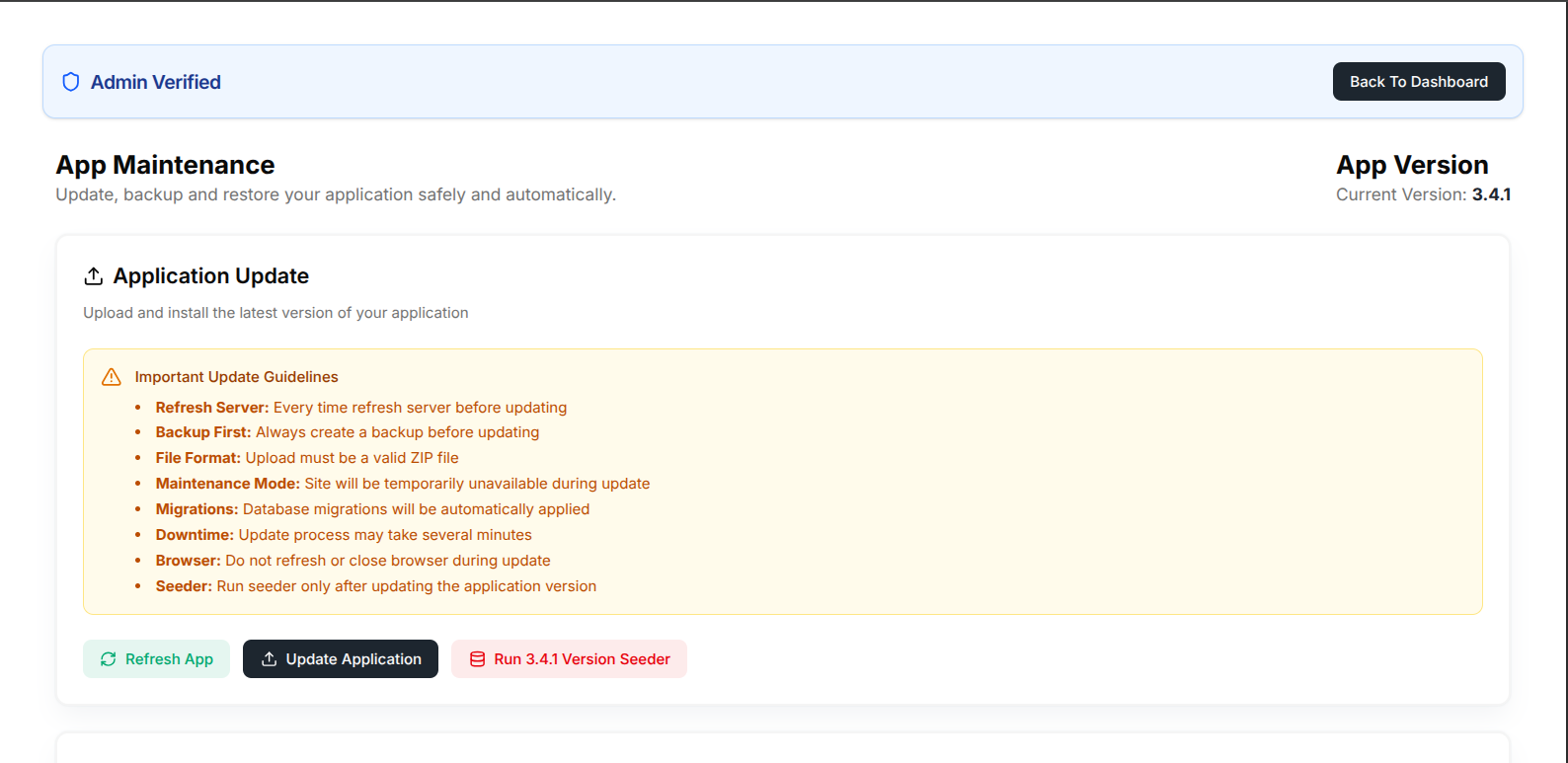
- Click the Run Seeder button once only to run the database migration and seeder for the latest version.
After completing these steps, the application should be updated successfully.
If you face any issues during this process, feel free to share them with our support team at support@ui-lib.com.